
Android devices vary significantly in screen size, hardware capabilities, and operating system versions. Ensuring that an application performs smoothly across this wide spectrum of devices is one of the biggest challenges for developers. Users expect apps to be fast, responsive, and visually consistent regardless of the device they use. Achieving this requires a combination of optimized coding practices, UI/UX considerations, and backend efficiency.
Many businesses rely on Android app performance optimization to ensure their apps are fast, responsive, and bug-free across all devices. Optimizing for performance not only improves user satisfaction but also reduces uninstalls and boosts engagement.
In this blog, we will explore the strategies, tools, and best practices used by developers to achieve smooth performance for Android apps across multiple devices.
Why Performance Optimization Is Critical
Users have little patience for slow or unresponsive apps. Even minor delays in loading screens, animations, or API calls can lead to frustration and uninstalls. High-performance apps deliver:
| Benefit | Description |
|---|---|
| Improved User Experience | Fast and responsive apps keep users engaged |
| Better Retention | Users are less likely to uninstall apps that run smoothly |
| Higher Conversion | Optimized apps lead to more successful interactions (e.g., purchases, signups) |
| Reduced Crashes | Efficient code reduces memory leaks and errors |
| Enhanced Brand Reputation | High-performing apps reinforce trust and credibility |
Key Areas of Android Performance Optimization
1. Efficient Coding Practices
Writing clean, optimized code ensures that apps consume minimal resources. Key practices include:
- Minimizing memory allocation
- Using background threads for heavy tasks
- Reducing object creation and garbage collection
- Profiling with Android Studio tools
2. UI/UX Optimization
Smooth animations, responsive layouts, and optimized images improve perceived performance. Developers use:
- Vector images for scalability
- ConstraintLayout for flexible layouts
- Animation and transition optimization
- Lazy loading for images and content
3. Network Optimization
Apps often rely on external APIs and web services. Optimizing network usage is essential:
- Use caching to reduce repeated network calls
- Compress data for faster transfers
- Implement asynchronous network requests
- Use pagination for large data sets
4. Database Optimization
Efficient data storage and retrieval directly impact app responsiveness:
- Index database columns for faster queries
- Use Room or Realm for local storage efficiency
- Optimize queries to fetch only necessary data
- Batch operations instead of multiple small transactions
Tools for Measuring Android App Performance
| Tool | Use Case |
|---|---|
| Android Profiler | Analyze CPU, memory, and network usage |
| Firebase Performance Monitoring | Track app startup time, network latency, and slow screens |
| LeakCanary | Detect and fix memory leaks |
| Systrace | Analyze system-level performance and identify bottlenecks |
| Lint & StrictMode | Identify inefficient code and potential slow operations |
Strategies for Cross-Device Performance
1. Adaptive Layouts
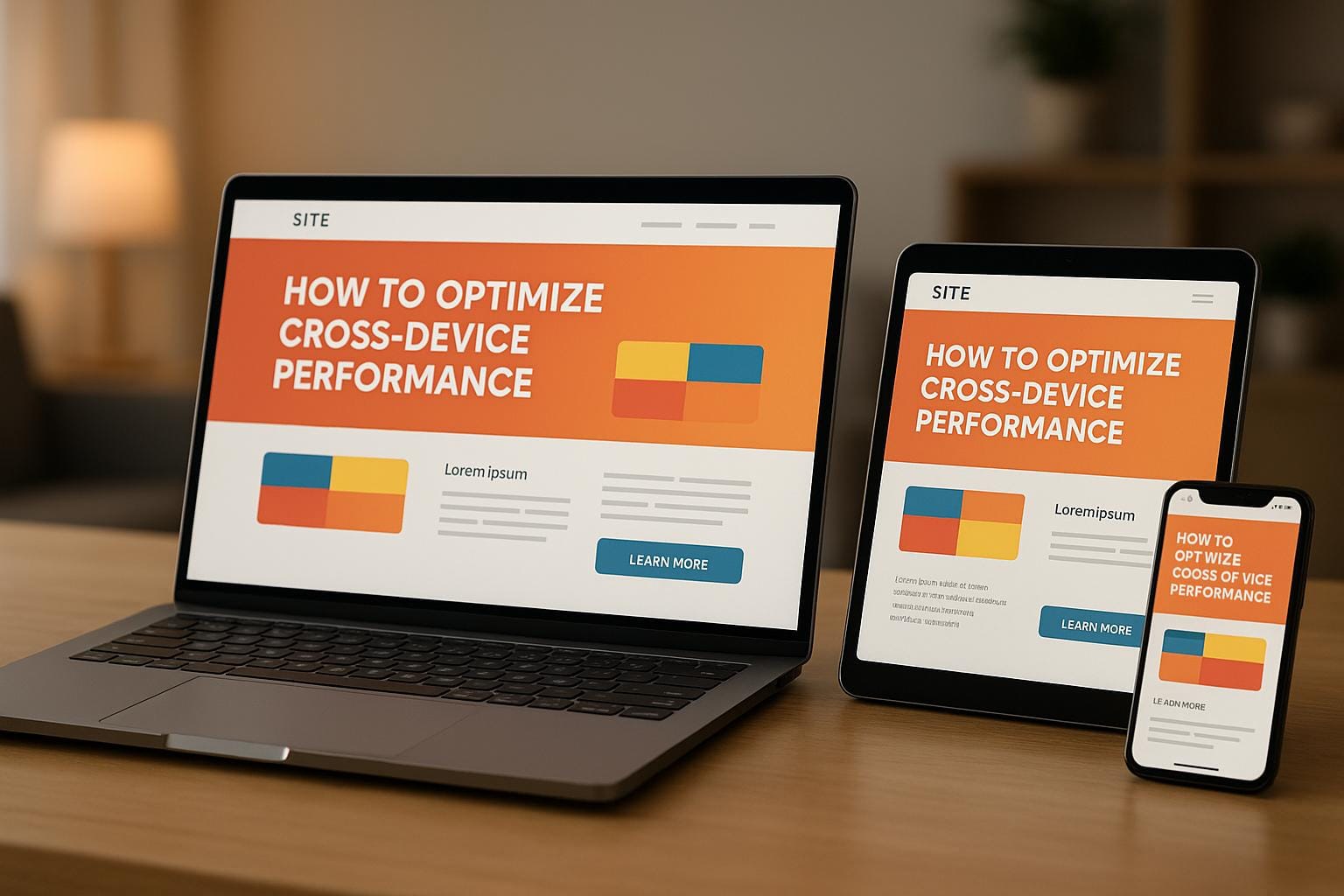
Use responsive layouts to ensure the app adapts to different screen sizes and densities. Tools like ConstraintLayout and resource qualifiers help achieve this.
2. Hardware-Aware Design
Detect device capabilities and adjust app behavior:
- Reduce animation complexity on older devices
- Adjust image resolutions dynamically
- Enable or disable advanced features based on device specs
3. Multithreading & Asynchronous Processing
Avoid blocking the main thread. Use AsyncTask, Executors, or Kotlin Coroutines for background tasks to maintain UI responsiveness.
4. Optimization for Battery & Memory
Apps must be efficient to reduce battery drain and memory usage:
- Release resources when not needed
- Use lightweight libraries
- Monitor memory usage with Android Profiler
Optimize Your Android App Performance
Developers App India BM Coder specializes in Android performance optimization to ensure your app runs smoothly across all devices.
📧 Email: [email protected]
📱 WhatsApp: +91 9586979730
Performance Optimization Metrics
| Metric | Target |
|---|---|
| App Startup Time | Under 2 seconds |
| Frame Rendering Time | 16ms per frame for 60fps |
| Memory Usage | Minimized per session |
| Network Latency | Under 200ms for API calls |
| Crash Rate | Less than 1% of sessions |
Common Pitfalls to Avoid
- Neglecting low-end device testing
- Using unoptimized images or assets
- Blocking main thread with heavy tasks
- Ignoring network and database latency
- Overusing third-party libraries
Future Trends in Android Performance Optimization
- AI-assisted optimization for predictive performance improvements
- Edge computing to reduce server load
- Dynamic resource allocation based on device performance
- Improved background task handling with WorkManager
- Enhanced profiling and debugging tools
Why Choose Developers App India BM Coder?
At Developers App India BM Coder, we deliver Android performance optimization solutions tailored to your app’s specific requirements. From low-end to high-end devices, we ensure a smooth, responsive, and consistent experience.
- Expert Android performance engineers
- Cross-device optimization strategies
- Comprehensive testing and monitoring
- End-to-end development and support
Conclusion
Smooth performance across devices is essential for retaining users and driving engagement. By optimizing code, UI/UX, network, and database operations, Android apps can deliver fast, responsive, and enjoyable experiences for users worldwide. Investing in professional performance optimization ensures your app meets user expectations and performs reliably on any device.
Start Optimizing Your Android App Today
Partner with Developers App India BM Coder to enhance your app’s speed, responsiveness, and cross-device performance.
Author: parth
Date: 01-04-2026
We to code. It's our passion









you can also reach us at our given
email address or phone number.