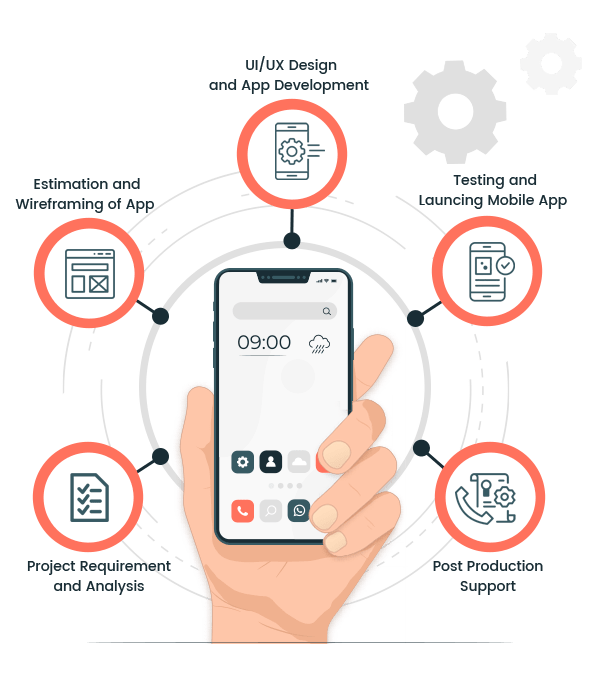
In today’s mobile-first world, Android applications power everything from startups to enterprise ecosystems. Building a professional Android app is not just about writing code—it involves strategic planning, user-centric design, rigorous testing, and continuous improvement. Whether you're a business owner or a tech enthusiast, understanding the complete Android app development process can help you make better decisions and achieve better outcomes.
If you're looking for expert assistance, explore our Android app development process to bring your ideas to life with a scalable and high-performing solution.
Why a Structured Development Process Matters
Professional Android app development follows a structured approach to ensure the final product is efficient, scalable, secure, and user-friendly. Skipping steps or rushing through phases can lead to bugs, poor user experience, and costly revisions.
| Phase | Purpose |
|---|---|
| Planning | Define goals and requirements |
| Design | Create user-friendly UI/UX |
| Development | Build app functionality |
| Testing | Ensure quality and performance |
| Deployment | Launch app on Play Store |
| Maintenance | Update and improve app |
Step 1: Ideation and Market Research
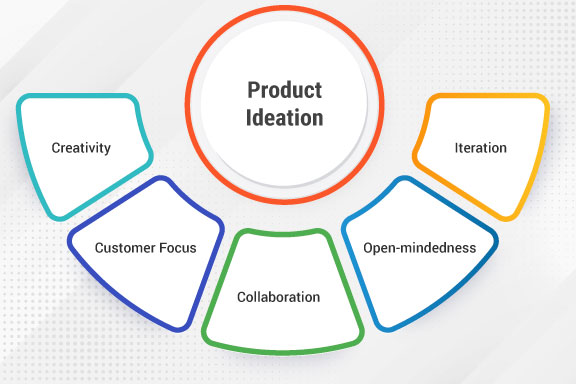
Every successful Android app begins with a strong idea. However, an idea alone isn’t enough—you need to validate it through market research. This step helps identify your target audience, competitors, and market demand.
- Analyze competitor apps
- Identify user pain points
- Define unique selling proposition (USP)
- Determine monetization strategy
Proper research ensures your app stands out in the crowded marketplace and meets real user needs.
Step 2: Defining Requirements and Features
Once your idea is validated, the next step is to define the app’s features and functionality. This includes creating a detailed requirement document.
| Requirement Type | Examples |
|---|---|
| Functional | User login, payment integration |
| Non-functional | Performance, security, scalability |
Clear requirements help developers and stakeholders stay aligned throughout the project.
Step 3: UI/UX Design
Design plays a crucial role in user engagement. A professional Android app must be visually appealing and easy to use.
- Wireframing
- Prototyping
- Designing user flows
- Choosing color schemes and typography
The goal is to create an intuitive experience that keeps users coming back.
Step 4: Choosing the Right Technology Stack
Selecting the right tools and technologies is essential for building a robust app.
| Component | Options |
|---|---|
| Programming Language | Kotlin, Java |
| IDE | Android Studio |
| Backend | Node.js, Firebase |
| Database | SQLite, MongoDB |
The right tech stack ensures scalability, performance, and future adaptability.
Step 5: App Development
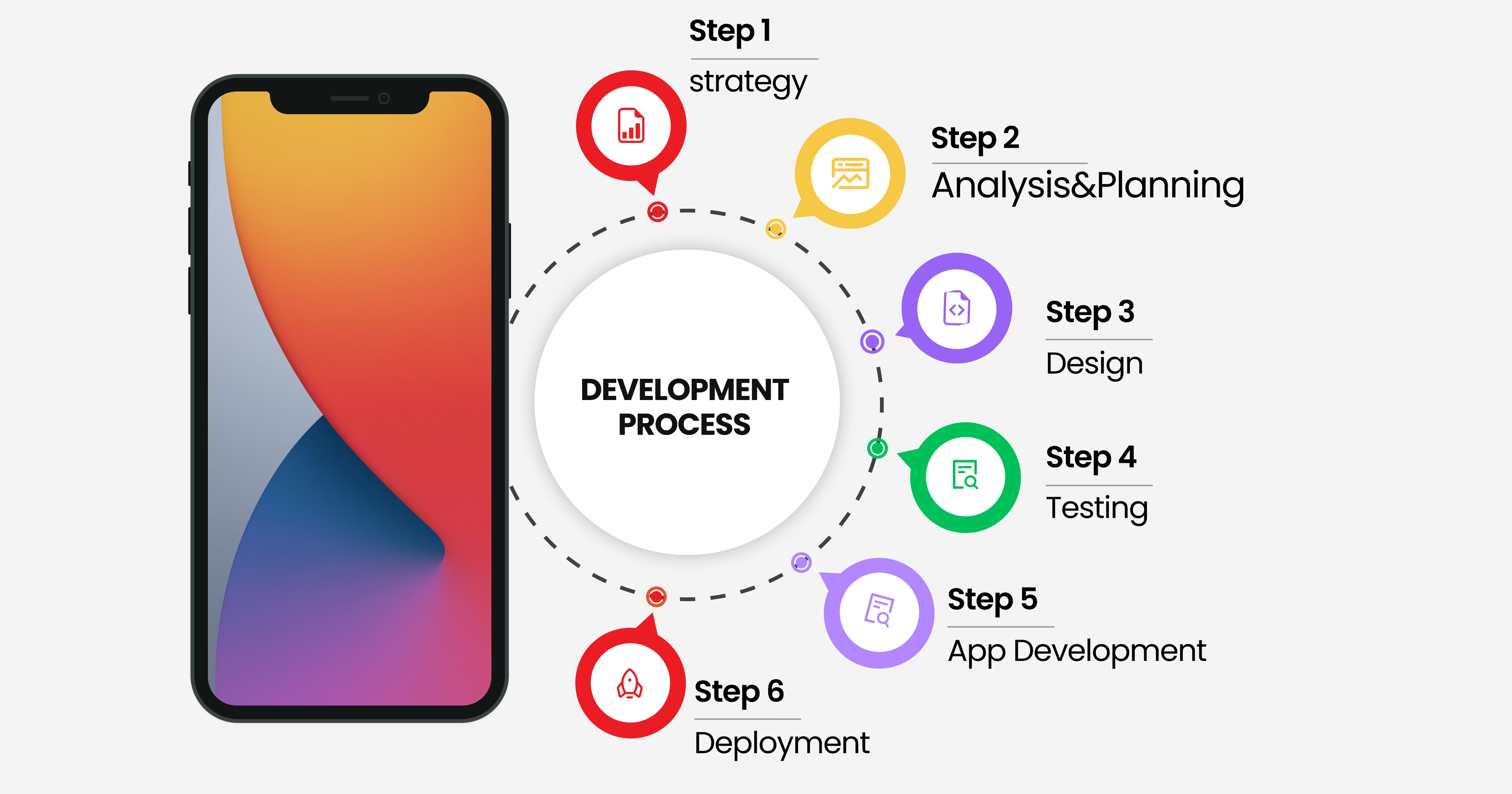
This is where the actual coding begins. The development phase is usually divided into two parts:
- Frontend Development: User interface and interactions
- Backend Development: Server, database, APIs
Developers follow coding standards and best practices to ensure maintainability and performance.
Step 6: Integration of APIs and Third-Party Services
Modern apps rely heavily on APIs to enhance functionality. Common integrations include:
- Payment gateways
- Social media login
- Push notifications
- Analytics tools
These integrations improve user experience and add value to your app.
Step 7: Testing and Quality Assurance
Testing ensures your app works flawlessly across different devices and conditions.
| Testing Type | Purpose |
|---|---|
| Unit Testing | Test individual components |
| Integration Testing | Test combined modules |
| UI Testing | Check user interface |
| Performance Testing | Ensure speed and stability |
A well-tested app reduces crashes and enhances user satisfaction.
Step 8: Deployment to Google Play Store
After testing, the app is ready for launch. Deployment involves:
- Creating a developer account
- Preparing app listing (title, description, screenshots)
- Uploading APK or AAB file
- Setting pricing and distribution
Proper optimization of the listing helps improve visibility and downloads.
Step 9: Post-Launch Maintenance and Updates
Launching the app is just the beginning. Continuous improvement is key to long-term success.
- Fix bugs and issues
- Release feature updates
- Monitor user feedback
- Improve performance
Regular updates keep your app relevant and competitive.
Common Challenges in Android App Development

- Device fragmentation
- Security vulnerabilities
- Performance optimization
- User retention
Professional developers anticipate these challenges and implement strategies to overcome them effectively.
Best Practices for Building High-Quality Android Apps
- Follow Material Design guidelines
- Optimize for performance
- Ensure strong security measures
- Use clean and maintainable code
- Focus on user feedback
Why Choose Professional Android Development Services?
Hiring experienced developers ensures your app is built using industry best practices. A professional team brings expertise in design, development, testing, and deployment.
At Developers App India BM Coder, we specialize in creating high-quality Android applications tailored to your business needs.
Get Started Today
Ready to build your Android application? Let our experts guide you through every step of the process—from idea to launch and beyond.
📧 Email us: [email protected]
💬 WhatsApp: +91 9586979730
Conclusion
Building a professional Android application is a multi-step process that requires careful planning, execution, and ongoing improvement. By following a structured development approach, businesses can create apps that not only meet user expectations but also achieve long-term success.
Whether you’re starting from scratch or improving an existing app, investing in the right development process is the key to success in today’s competitive mobile landscape.
Blog ID: 1377Author: parth
Date: 03-04-2026
We to code. It's our passion










you can also reach us at our given
email address or phone number.