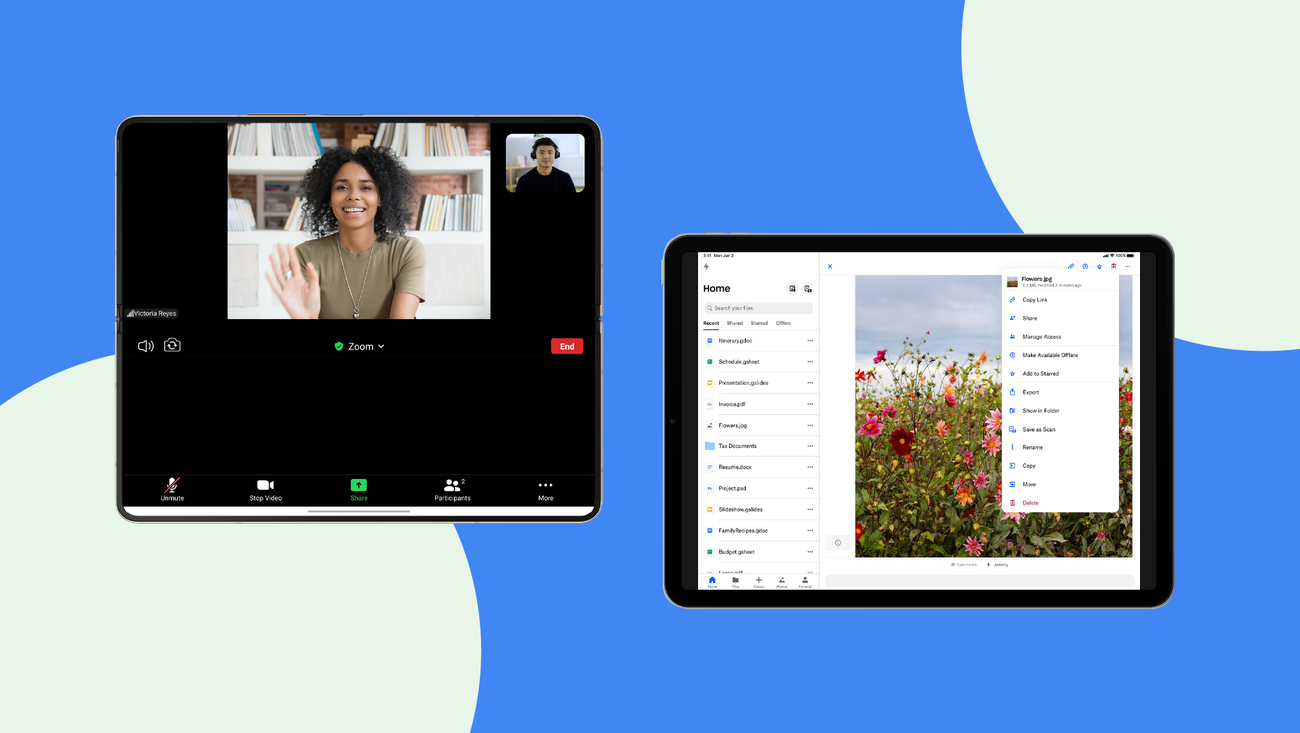
As mobile technology continues to evolve, tablets have carved out a unique space between smartphones and desktops. With larger screens, enhanced processing capabilities, and versatile usability, tablets are widely used across industries—from education and healthcare to logistics and enterprise operations.
However, simply running a smartphone app on a tablet is not enough. Businesses that want to unlock the full potential of tablets must invest in tablet-optimized Android applications. These apps are specifically designed to take advantage of larger displays, multitasking capabilities, and enhanced user interactions.
In this comprehensive guide, we explore how tablet-optimized Android apps significantly improve productivity and user experience, and why businesses should prioritize them in their digital strategy.
If you're planning to build a high-performance tablet solution, explore our Android-tablet-app-development designed for advanced usability and scalability.
🚀 Build Tablet-Optimized Android Apps
Ready to enhance productivity with custom tablet applications?
📧 Email: [email protected]
📱 WhatsApp: +91 9586979730
What Are Tablet-Optimized Android Apps?
Tablet-optimized apps are applications specifically designed to deliver superior performance and usability on larger screens. Unlike standard mobile apps, these apps utilize additional screen space to present more information, enable multitasking, and improve navigation.
They are built using responsive layouts, adaptive UI components, and enhanced interaction models tailored for tablets.
Why Tablet Optimization Matters
Many businesses overlook tablet optimization, assuming that mobile apps will automatically scale. However, this often leads to poor user experience and reduced productivity.
| Aspect | Non-Optimized App | Tablet-Optimized App |
|---|---|---|
| Screen Usage | Wasted space | Efficient layout |
| Navigation | Cluttered | Intuitive |
| Productivity | Limited | Enhanced |
| User Experience | Average | Superior |
Key Benefits of Tablet-Optimized Android Apps
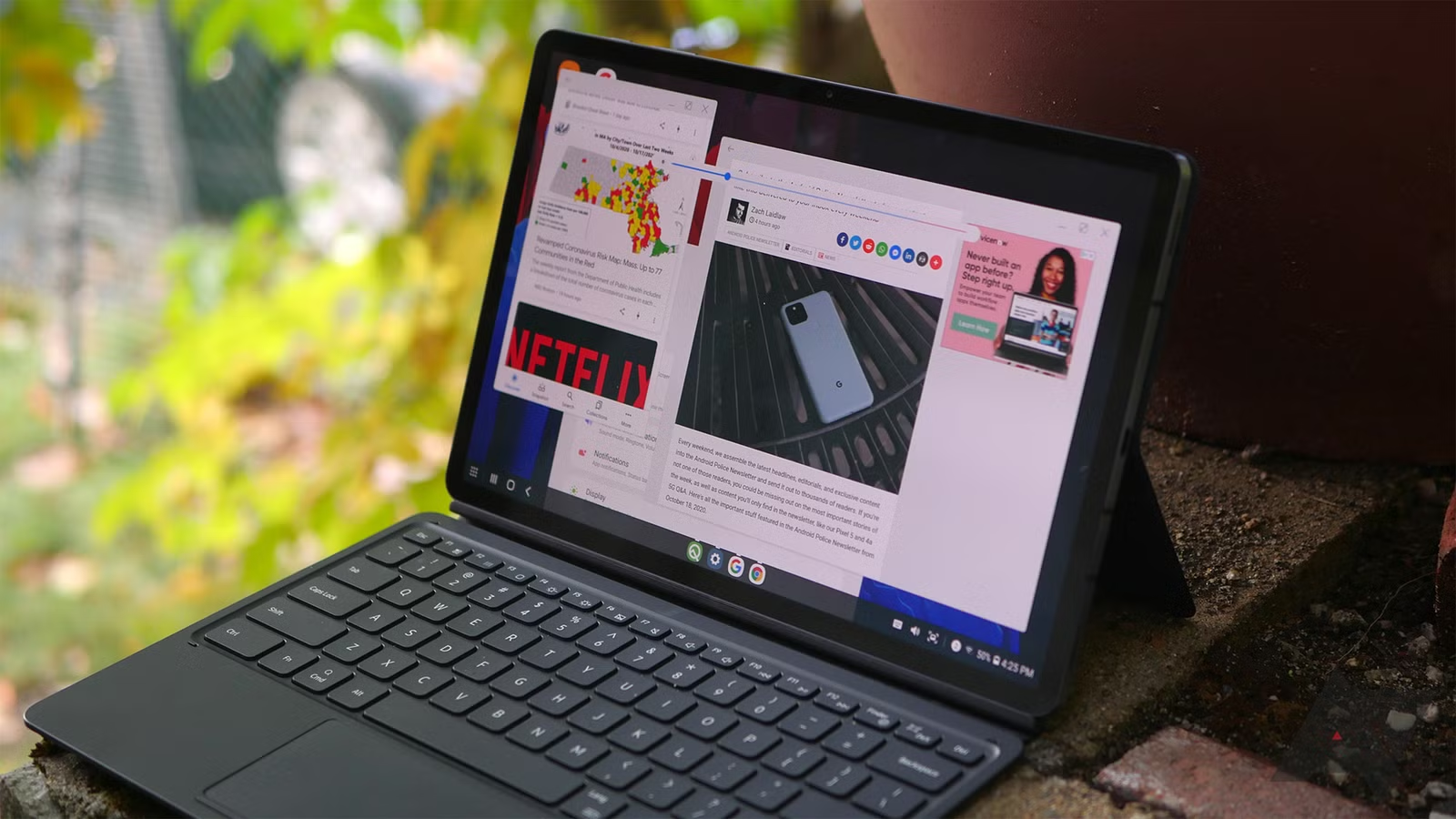
1. Enhanced Productivity
Tablet apps allow users to perform tasks faster and more efficiently. With larger screens, users can view more data at once, reducing the need for constant navigation.
- Split-screen functionality
- Multi-panel layouts
- Improved data visualization
2. Better User Experience
Tablet-optimized apps provide a smoother and more engaging experience by leveraging advanced UI/UX design principles.
3. Improved Multitasking
Tablets support multitasking features that allow users to run multiple apps simultaneously. Optimized apps are designed to work seamlessly in such environments.
4. Increased Engagement
A well-designed tablet app keeps users engaged longer, leading to higher retention and satisfaction.
5. Business Efficiency
Industries such as healthcare, retail, and logistics benefit significantly from tablet apps due to improved workflow management.
Design Principles for Tablet Apps
Design plays a crucial role in tablet optimization. Key principles include:
| Design Element | Best Practice |
|---|---|
| Layout | Use grid-based multi-column layouts |
| Navigation | Implement side navigation panels |
| Typography | Use larger, readable fonts |
| Touch Targets | Ensure larger interactive elements |
Development Considerations
1. Responsive Layouts
Developers use flexible layouts that adapt to different screen sizes.
2. Fragment-Based UI
Android fragments allow dynamic UI components for better scalability.
3. Performance Optimization
Efficient coding ensures smooth performance even with complex layouts.
4. Hardware Utilization
Tablet apps can leverage stylus input, keyboards, and external devices.
Use Cases Across Industries
| Industry | Use Case |
|---|---|
| Healthcare | Patient management systems |
| Education | Interactive learning apps |
| Retail | Point-of-sale systems |
| Logistics | Inventory tracking |
| Enterprise | Business dashboards |
💡 Transform Your Business with Tablet Apps
We design and develop high-performance tablet applications tailored to your needs.
📧 Email: [email protected]
📱 WhatsApp: Chat on WhatsApp
Challenges in Tablet App Development
- Device fragmentation
- UI complexity
- Performance optimization
- Testing across screen sizes
These challenges require expertise and careful planning to overcome.
Performance Optimization Techniques
| Technique | Benefit |
|---|---|
| Lazy Loading | Improves speed |
| Caching | Reduces server load |
| Efficient Rendering | Smooth UI performance |
| Background Tasks | Better responsiveness |
Future Trends in Tablet App Development
- AI-powered interfaces
- Voice-enabled interactions
- AR/VR integration
- Cross-device synchronization
- 5G-enabled performance
Why Choose BM Coder?
Developers App India BM Coder specializes in building high-performance Android applications optimized for tablets and large-screen devices.
- Expert Android developers
- Custom tablet UI/UX design
- Scalable architecture
- Cost-effective solutions
- Ongoing support
📞 Let's Build Your Tablet App
Enhance productivity and user experience with a custom tablet solution.
📧 Email: [email protected]
📱 WhatsApp: +91 9586979730
Conclusion
Tablet-optimized Android applications are no longer optional—they are essential for businesses looking to improve productivity and deliver exceptional user experiences. By leveraging larger screens, advanced UI design, and modern development techniques, businesses can create powerful applications that drive efficiency and engagement.
Investing in tablet optimization ensures your app remains competitive, user-friendly, and ready for the future.
Blog ID: 1301Author: parth
Date: 26-03-2026
We to code. It's our passion




you can also reach us at our given
email address or phone number.